
Appearance
Audit logs and maintenance
The Administration screens for seeing what has happened and keeping the system in order. Most are used rarely; the audit log is the one to know well.
Audit Logs
Administration → Audit Logs records every request made to the system: who made it, when, from which address and browser, which service and action, how long it took, and whether it failed. Filter by date range, user, service, action, duration and error state; open any row for the full detail including the parameters sent.
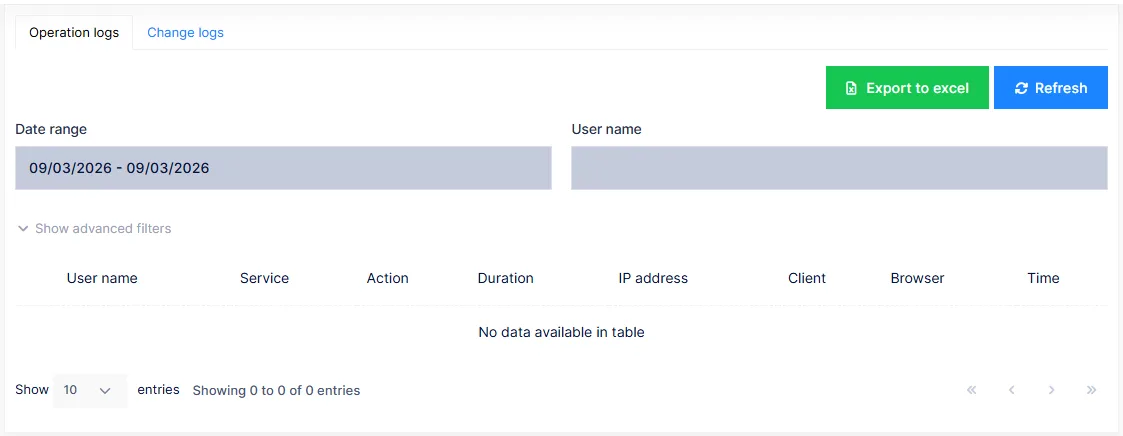
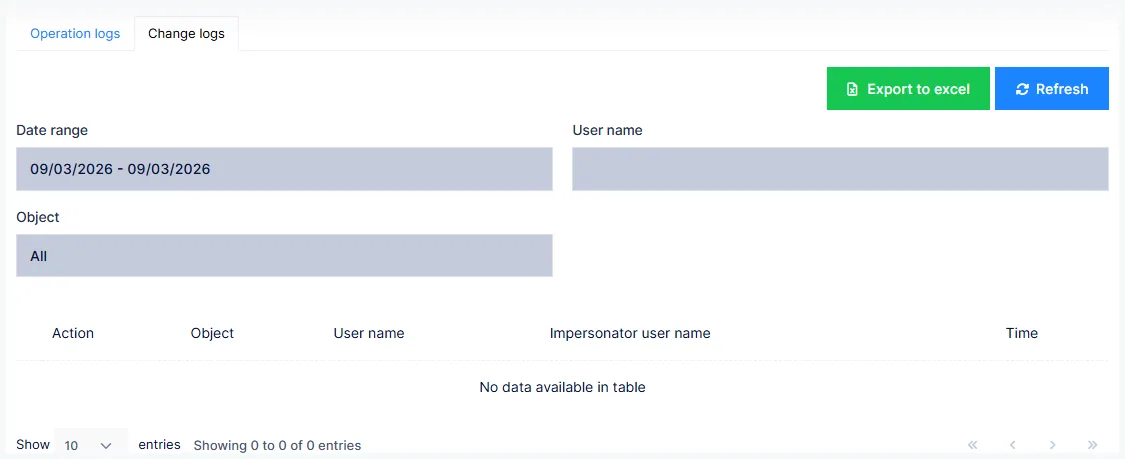
The Change logs tab records changes to tracked records — what changed, from what to what, and by whom.
This is your evidence
Under HIPAA the practice must be able to say who accessed a record and when. The audit log is that record. Nothing needs to be turned on; it is always kept. Export it — the download control above the table — when an auditor or an attorney asks.
Active Sessions
Who is signed in right now, from where, and since when. An administrator can end another user's session from here — the fastest way to sign out a workstation that was left open.
Maintenance
Housekeeping:
- Caches — clear the server's caches. Do this after changing settings or customizations that do not seem to take effect.
- Website logs — view or download the application's own log files when support asks for them.
- New version notification — tell signed-in users that the application has been updated and they should reload.
Subscription
The practice's edition, its expiry date and payment history, and where to renew or change the plan.
Notifications
Inbox is your own notifications — the bell in the header, in full. Mass Notifications lets an administrator send a message to every user, or to chosen users and organization units, shown in their inbox and optionally by email.
The rest
| Screen | What it is for |
|---|---|
| Email Templates | The layout of the emails the system sends |
| Webhook Subscriptions | Notify an external system when something happens in ChiroPad. For integrations only |
| Dynamic Properties | Define extra fields on system records. For integrations only |
| Health Check | The status of the system's dependencies — database, storage, email — for support |
None of these is part of the practice's daily work. If support asks you to change one, they will say exactly what to enter.