
Appearance
Education Resources
The EHR section holds one screen: the patient education material ChiroPad can hand out, linked to the clinical items that call for it.
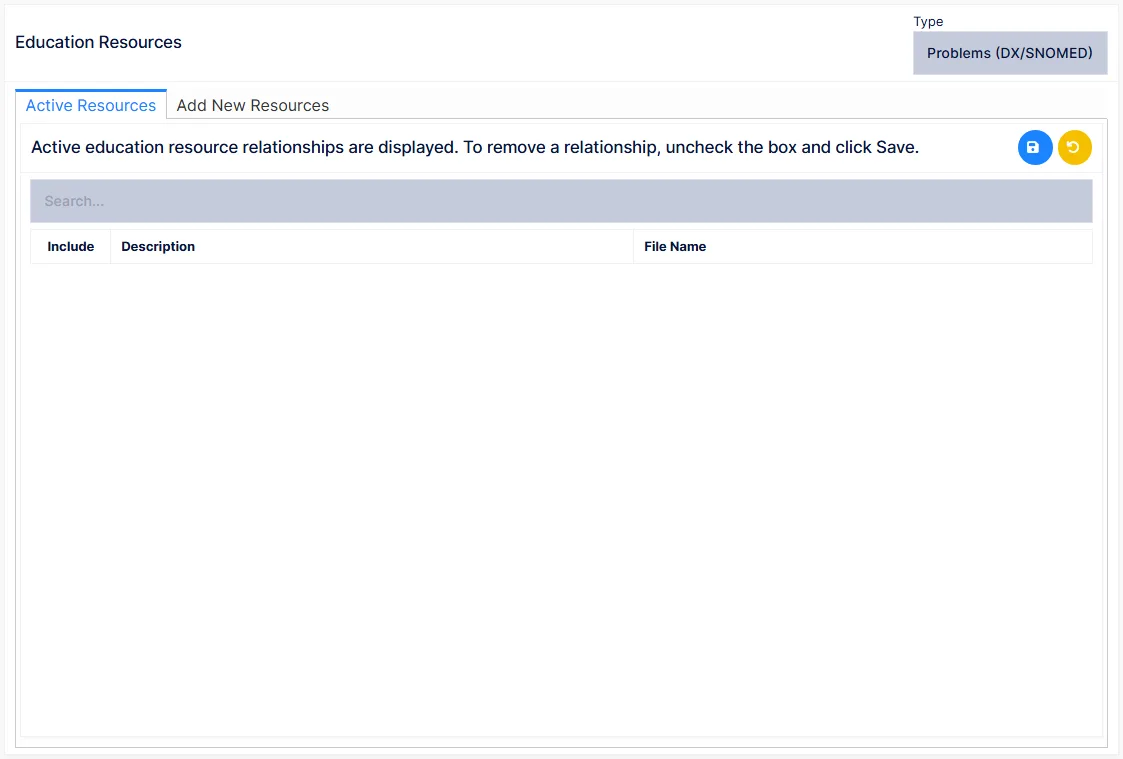
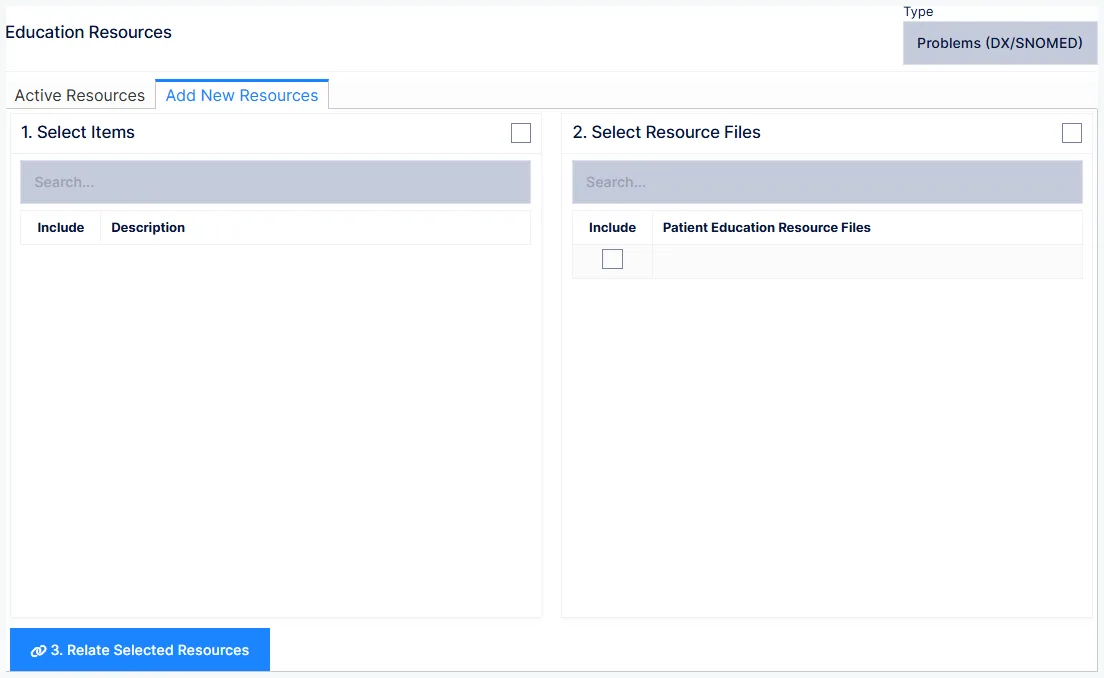
Choose a Type at the top:
| Type | Links resources to |
|---|---|
| Problems (DX/SNOMED) | Diagnoses |
| Medications | Medications |
| Labs | Laboratory tests |
| Nutrition Supplements | Supplements |
Two tabs follow.
Active Resources lists the resources currently linked for the chosen type — Include, Description and File Name — so a resource can be switched off without removing it.
Add New Resources links files to items in two steps: 1. Select Items — tick the diagnoses, medications, labs or supplements (or select all) — then 2. Select Resource Files — tick the files from the practice's education resource files — and Save. Each selected item is linked to each selected file.
Once linked, the resources for a patient's diagnoses and other clinical items are available to provide to the patient from their record.