
Appearance
SOAP Note Batch Print
Administration → SOAP Note Batch Print exports a set of SOAP notes as documents in one go — for a carrier audit, a records request, an attorney, or a patient's own request for their notes.
Finding the notes
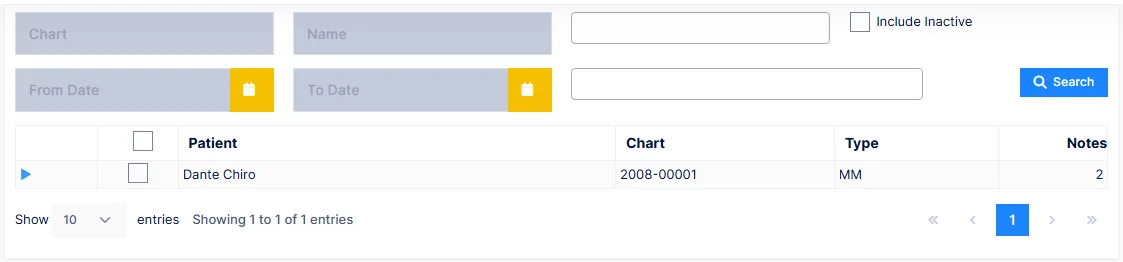
Filter across every note in the practice:
| Filter | Narrows to |
|---|---|
| Chart, Name | One patient |
| Category | One or more note categories — Initial, Progress, Re-exam and the others from Categories |
| From Date, To Date | Notes dated in the range |
| Account Type | One or more account types — every personal-injury patient, say |
| Include Inactive | Include notes of inactive patients |
Click Search. The grid lists one row per matching patient — name, chart, account type and the number of notes found — and each row expands to the notes themselves, with their date, type and category.
Exporting
Tick the notes to export — the header checkbox selects the whole page — and click Export RTF File. Each note is produced as a Word document, named by chart and date, in the practice's output folder, and the files are listed when the export finishes.
Check the count before you send
An audit request usually names the patients and the dates of service. Compare what the grid found against the request before exporting; a note missing here is a note that does not exist, and that is worth knowing before the auditor does.
Individual notes
To print or reprint one note, use the patient's Documents screen. Batch Print is for volume.