
Appearance
Changing and resolving appointments
Moving an appointment
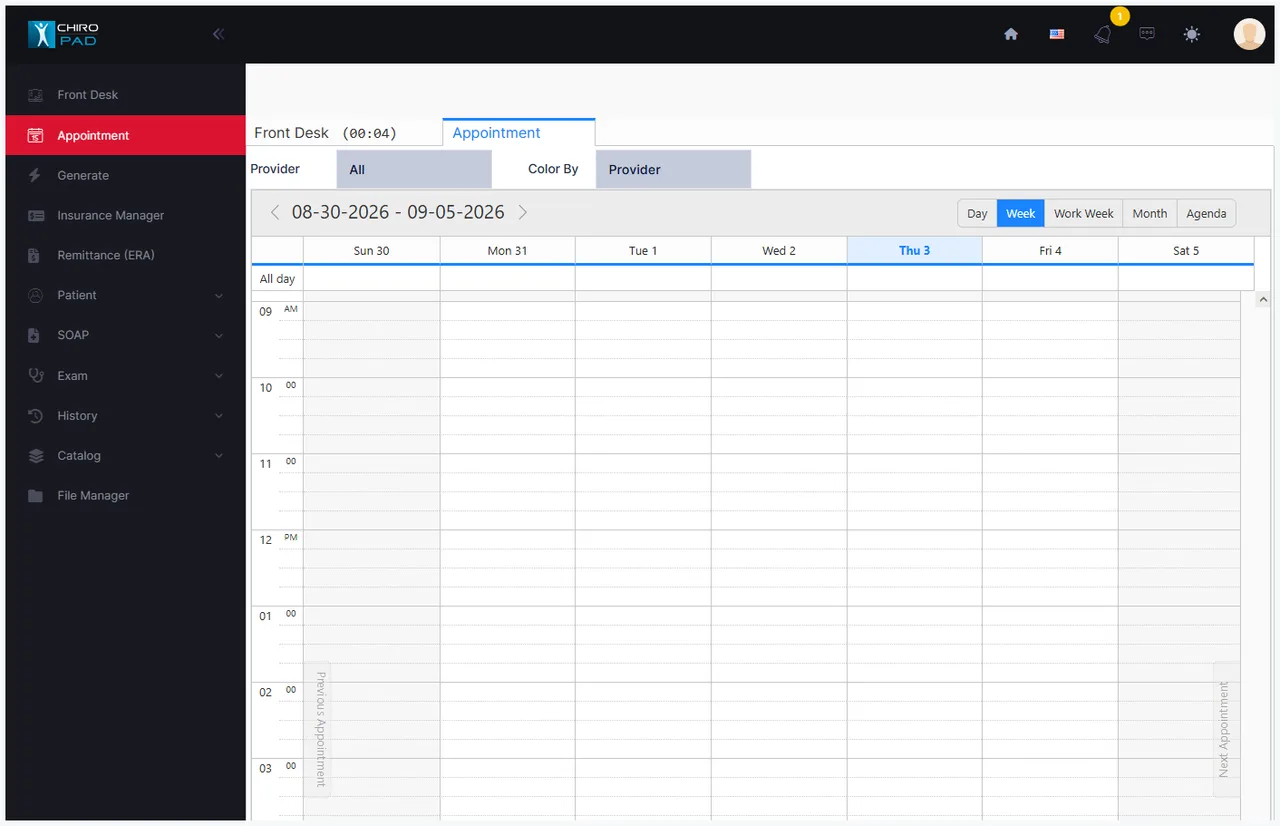
Drag the appointment to a new time or day on the calendar. The move is saved as you drop it — there is no separate dialog and nothing further to confirm.
Drag its lower edge to make it longer or shorter; the slot count follows in 15-minute steps.
To change the provider, or anything else, right-click and choose Edit Appointment.
Move the old appointment rather than booking a new one
A patient who missed Tuesday and is being fitted in today should have Tuesday's appointment moved forward, not a second one created. The history stays coherent, and the missed visit does not linger on the MIA list waiting to be resolved.
Deleting an appointment
Right-click the appointment and choose Delete Appointment. ChiroPad confirms — the record will be deleted permanently and cannot be recovered — and then it is gone.
Prefer resolving over deleting
Delete is for an appointment created by mistake: the wrong patient, the wrong day, a double-entry. It leaves no trace, so a deleted appointment is invisible to the Missed Appointment report and to the patient's own appointment history.
An appointment the patient didn't keep should be resolved, not deleted. Resolution records what happened and why, with a date and time stamp on every entry — which is what makes the appointment book worth anything when you are reconstructing months later why a patient stopped coming, or defending a pattern of care.
Resolving a missed appointment
Right-click and choose Resolve appointment / View log…. The dialog shows the patient's phone numbers and account balance alongside the resolution fields.
| Field | What it does |
|---|---|
| Action taken by Staff | What was done, from your practice's configured list |
| Next Alert | When to be reminded again — a number, in minutes, hours or days |
| Status | Whether the patient stays on the MIA list |
| Appointment Log | The stamped history; Add log entry appends to it |
The supplied actions cover the usual outcomes — Phoned: No Answer, Reschedule: Patient agreed to reschedule, Reschedule: Unable to reach patient, Missed: Patient would not reschedule, Missed: Unable to reach patient, Patient is on their way, Missed: No follow-up attempted, Staff scheduling error, Canceled without rescheduling.
Status decides everything
| Status | Effect |
|---|---|
| Open | Stays on the MIA list; the reminder re-fires at the time you set |
| Reschedule | Removed from the list |
| Missed | Removed from the list |
| Staff Error | Removed from the list |
Only "Open" keeps the patient in front of you
Any status other than Open removes the patient from the MIA list with no further reminder — and each staff action carries its own default status, applied the moment you pick it. Choosing Reschedule: Unable to reach patient can drop the patient off the follow-up list even though nobody has actually reached them.
Check the Status box before saving, every time. It is the field that decides whether anyone chases this patient again.
Once resolved as Missed, the appointment leaves the Front Desk entirely. From then on it appears only in the Missed Appointment report, or in that patient's own appointment history.
Reschedule or collect?
The resolution screen shows the patient's phone numbers alongside a summary of their account. That pairing is deliberate: at some point a recall call becomes a collections call, and the practice should decide where that line sits rather than leaving it to whoever picks up the phone.
Who should see the reminders
Resolution prompts are useful to whoever chases missed appointments and noise to everyone else.
Turn them on for the person doing the chasing, off for everyone else
The same applies to the MIA list itself. A provider being interrupted by rescheduling prompts between patients learns to dismiss them without reading — which defeats the point for the one person who needed to see them.
Appointment history
Each patient has a full appointment history — past, today's, and future — opened from the Front Desk while that patient is selected. It lists the appointment date and provider with the plan and status, and it is the record of what was booked, what was kept, and what was resolved.
It is also the only place, alongside the Missed Appointment report, where an appointment resolved as missed can still be seen.
Reports
| Report | Answers |
|---|---|
| Appointment Schedule | Who is booked, when, with phone numbers and expected services |
| Appointment Statistics | Visit counts by category, period and provider |
| MIA Patient | A printable version of the missed-appointment list |
| Missed Appointment | Appointments resolved as missed, which no longer show on the Front Desk |
| Patients Without Scheduled Appointment | Everyone with no future booking — the recall list |
The Appointment Schedule report can be run for a date or a range, limited to mornings or afternoons, and optionally with patient account numbers — which makes it a practical call sheet for confirming tomorrow's patients.
The recall list is the one to run regularly
Patients Without Scheduled Appointment is where retention actually lives: it lists everyone who has drifted, with phone numbers and their last visit date. Prospective patients who never arrived show no last visit at all, which makes them easy to pick out for a different kind of call.