Appearance
Muscle
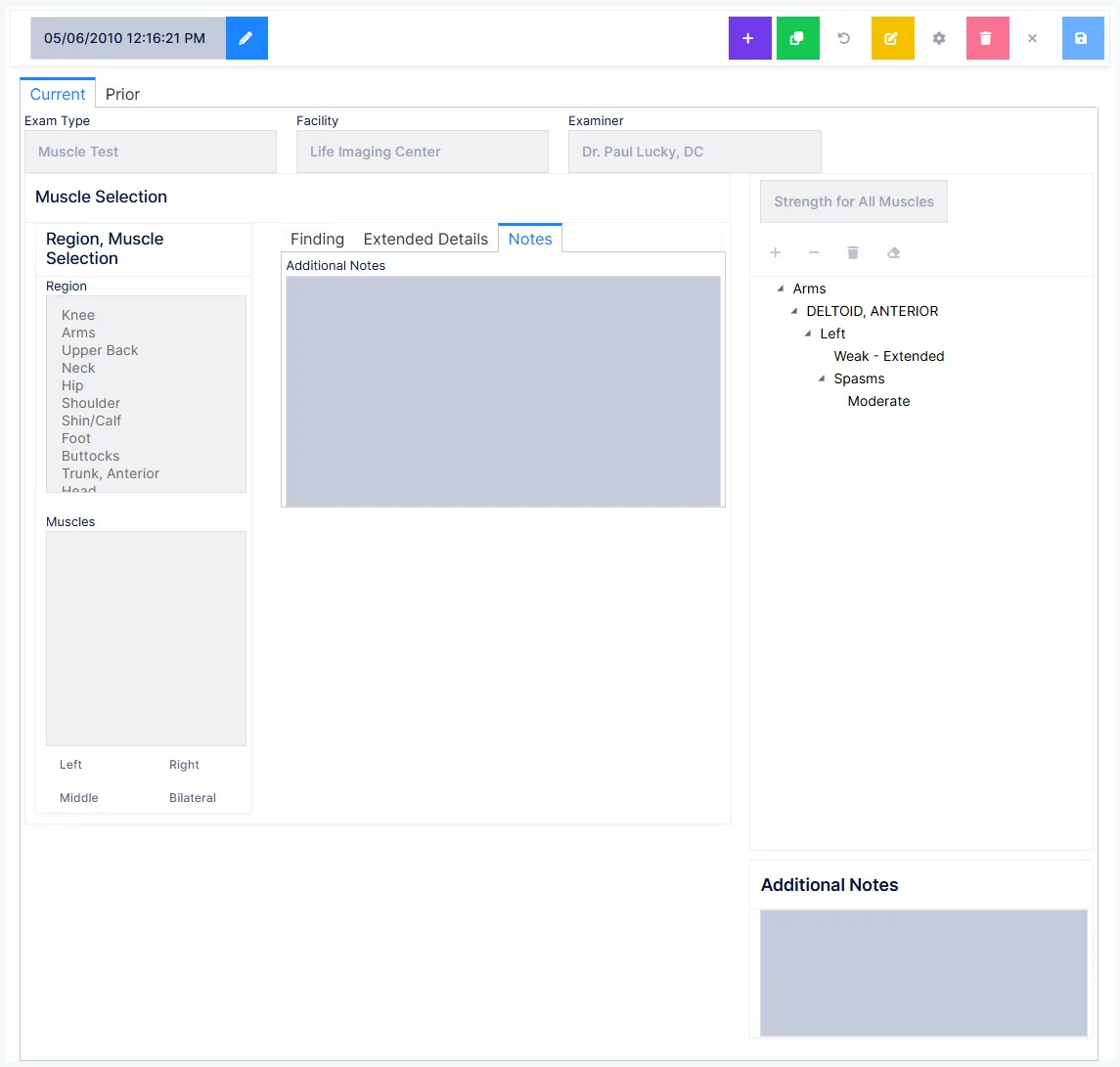
Muscle strength testing, by hand or with a dynamometer.
Recording a muscle
Choose the region, and its muscles appear. Pick a muscle and it moves into the findings summary, where your findings for it are gathered underneath it.
The two fields you cannot skip
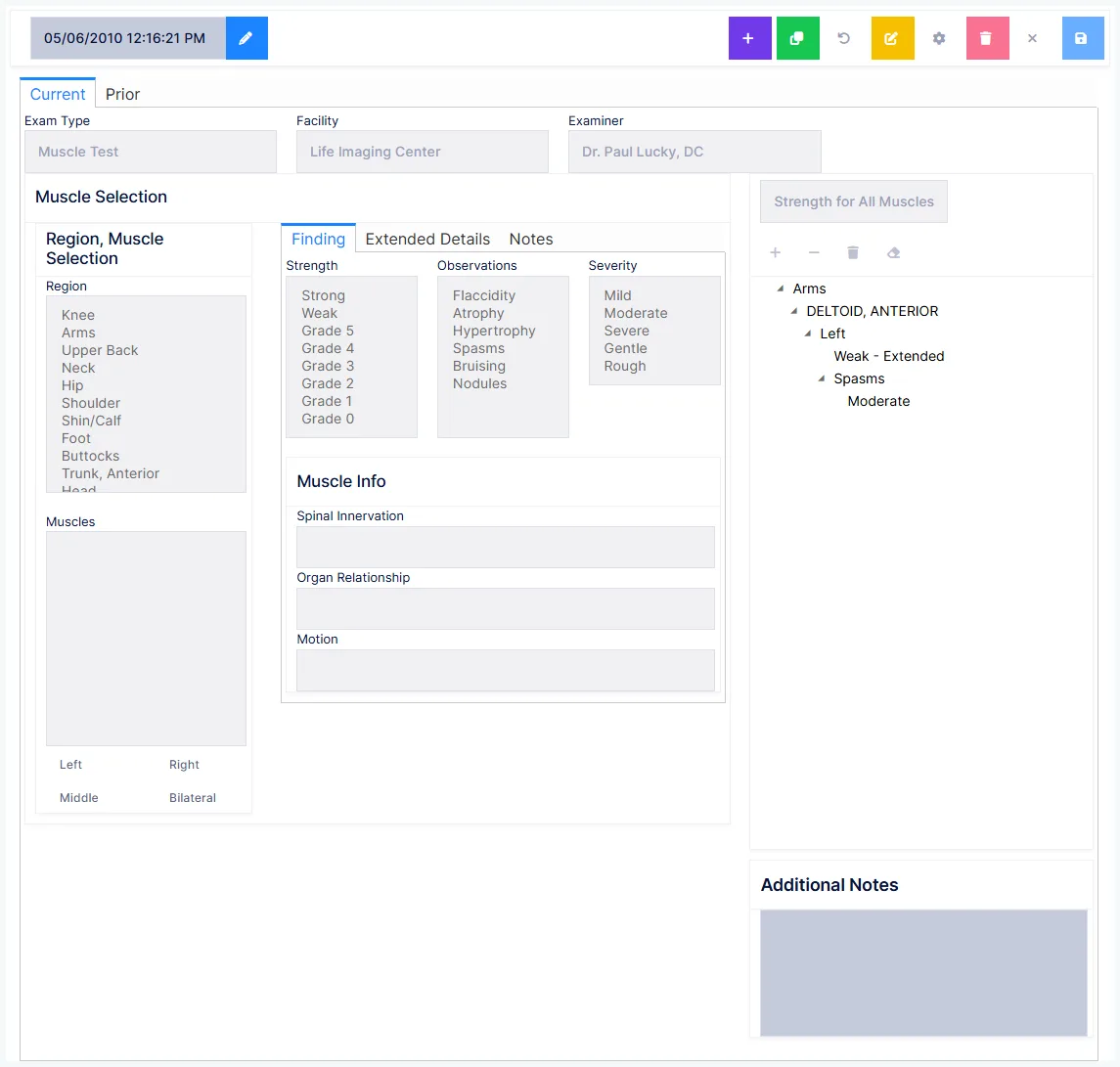
Without these two, ChiroPad will not save
- Side — Left, Right, Bilateral, or Middle for some muscles such as the neck extensors and flexors
- Muscle strength — either Strong/Weak or an AMA grade
Both are required because of Medicare and state board rules. This is one of the very few places in ChiroPad where a missing field actually blocks the save, rather than quietly producing a thinner note.
Strength scales
Strength can be recorded simply as Strong or Weak, or on the AMA grading scale as Grade 5 down to Grade 0.
Setting them all at once
Strength for All Muscles applies one strength value across every muscle in the exam — useful when a screen is largely unremarkable and you want to record the exceptions individually afterwards.
A preference can override how strength is reported
The strength diction preference has two settings:
- Strong/Weak only — the report says strong or weak even if you selected an AMA grade
- Always use detailed strength — the AMA grade is reported when you selected one
So it is possible to record a precise grade and have the note report it as "weak". If the grades matter to you, check this preference before you rely on them appearing.
Optional findings
| Field | Records |
|---|---|
| Electric testing result | An instrument reading, in the units set in preferences |
| Observations | Flaccidity, atrophy, hypertrophy, spasms, bruising, nodules |
| Severity | Mild, moderate, severe, gentle or rough — available once an observation is selected |
| Additional notes | Free text, up to 255 characters |
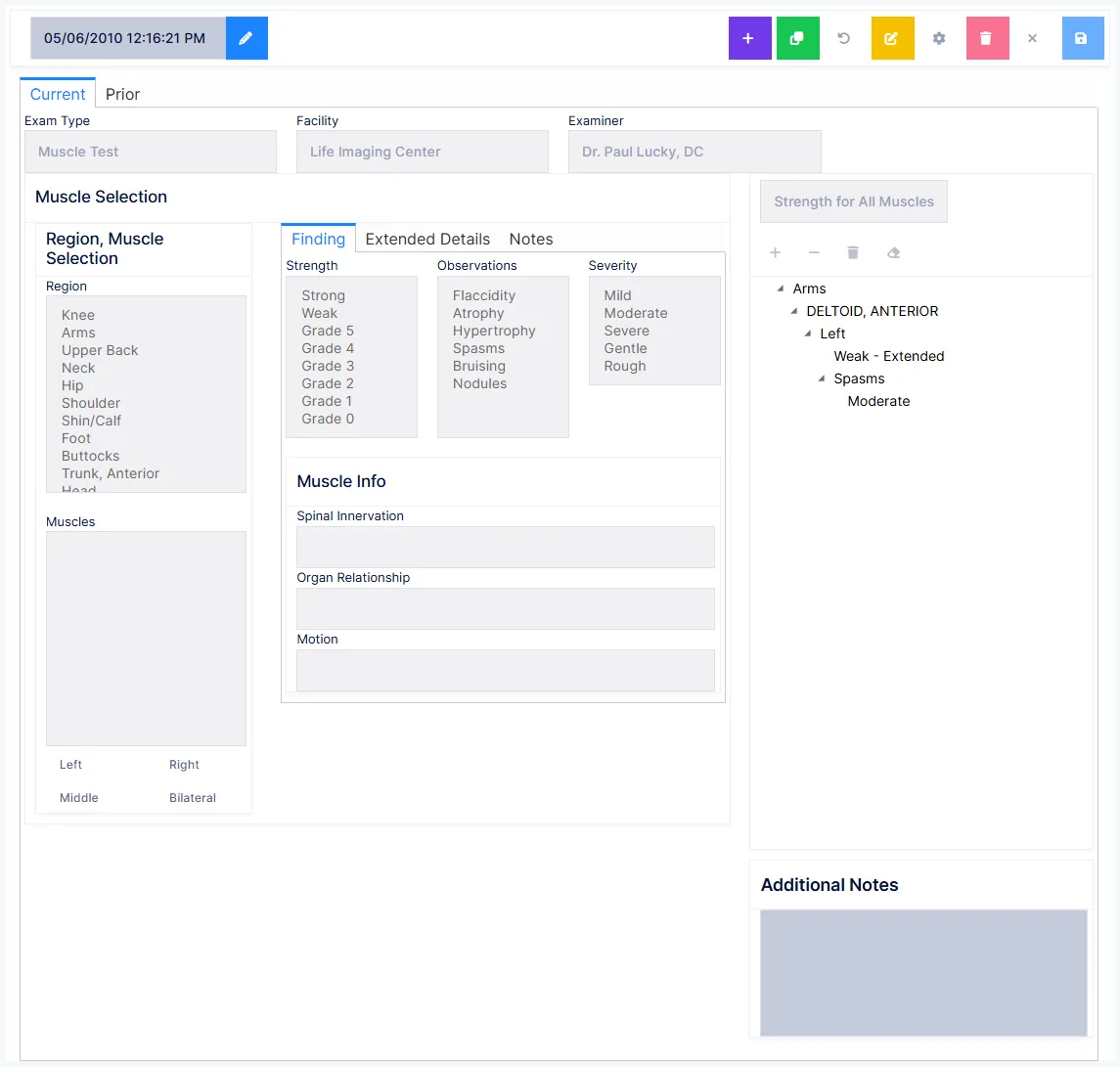
Alongside these, Muscle Info shows the muscle's spinal innervation, organ relationship and motion — reference detail carried on the muscle itself rather than something you enter.
Extended detail and complications
For a given muscle and side, you can record what else is bearing on it: birth defects, drug effects and disease, plus free text for details of that side and for injuries and surgeries.
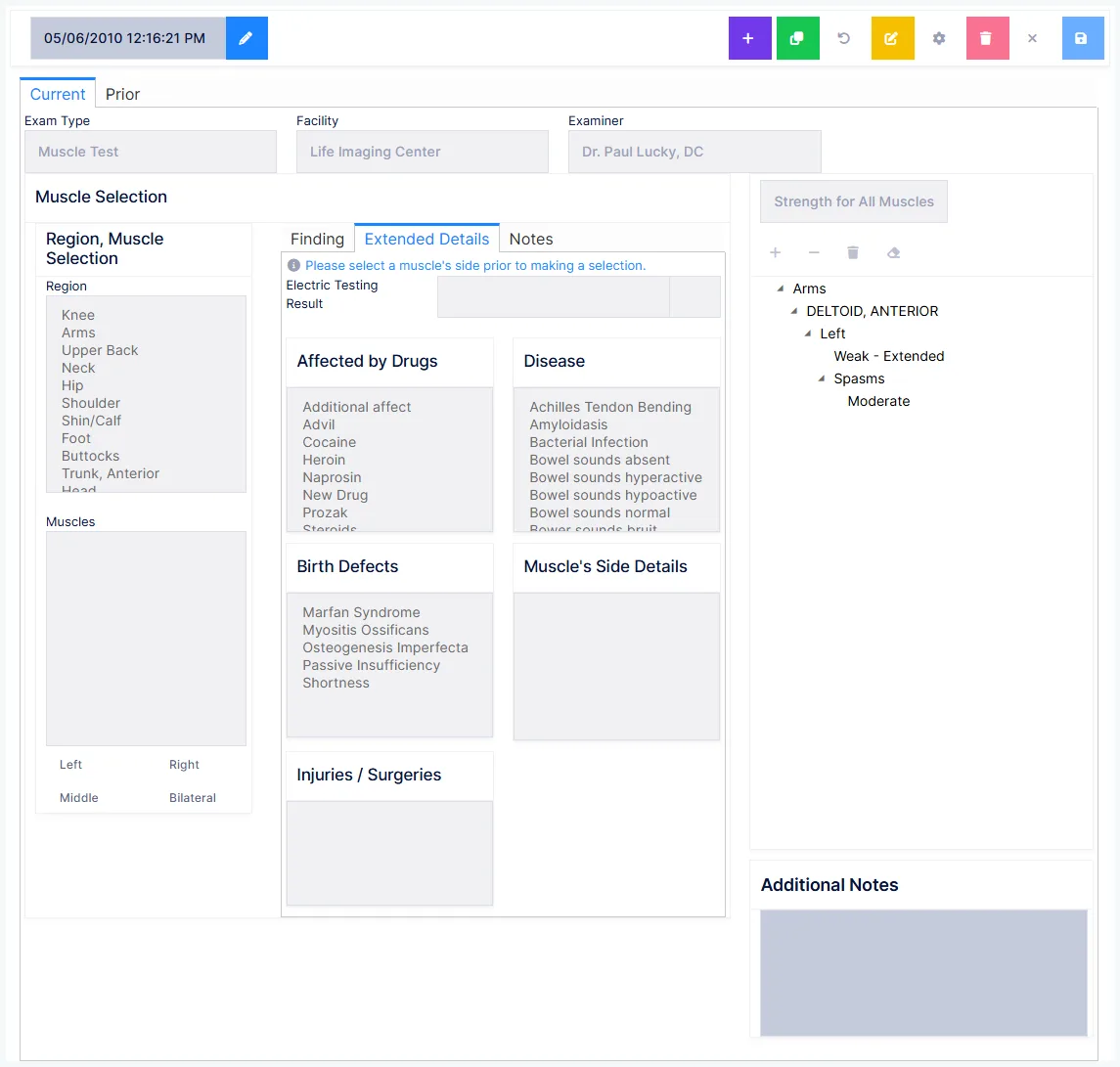
A green star means there's more to see
Muscles carrying extended detail are marked with a star in the findings summary — so the extra context is visible at a glance rather than hidden behind a click.
Highlighted items go into the note; click one again to deselect it if you picked it by mistake.
Why saved reports can't be edited
Amend by addendum, and that is the point
Muscle test reports from previous dates cannot be edited at all. Anything further goes in as an addendum.
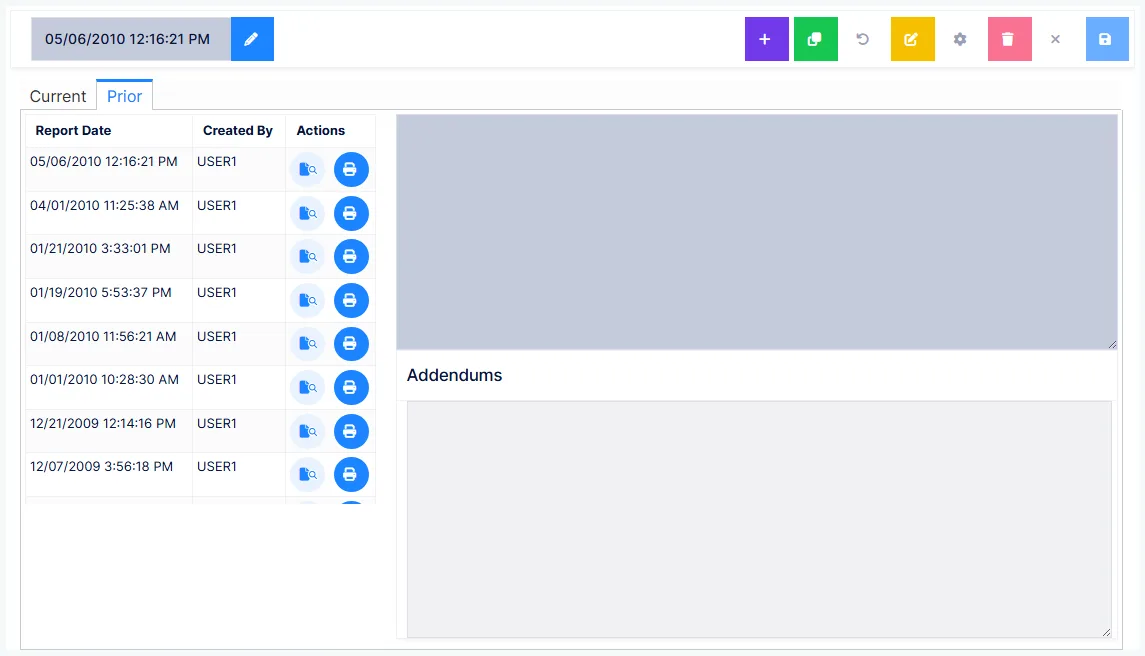
The legacy documentation is unusually direct about why: it "provides bullet proof authenticity. It eliminates the ability of anyone to falsely accuse anyone in the practice of 'doctoring' the records."
A record nobody can alter is a record nobody can allege you altered.
Preferences
Exam type (muscle test or dynamometer), units, facility, examiner, strength diction, note format, what goes into the note, and whether to include the AMA scale.
Getting the exam into today's note
Same date, and saved before the note is generated
See the Exam overview.